Pages

Showing posts with label Tech. Show all posts

Friday, 1 November 2019

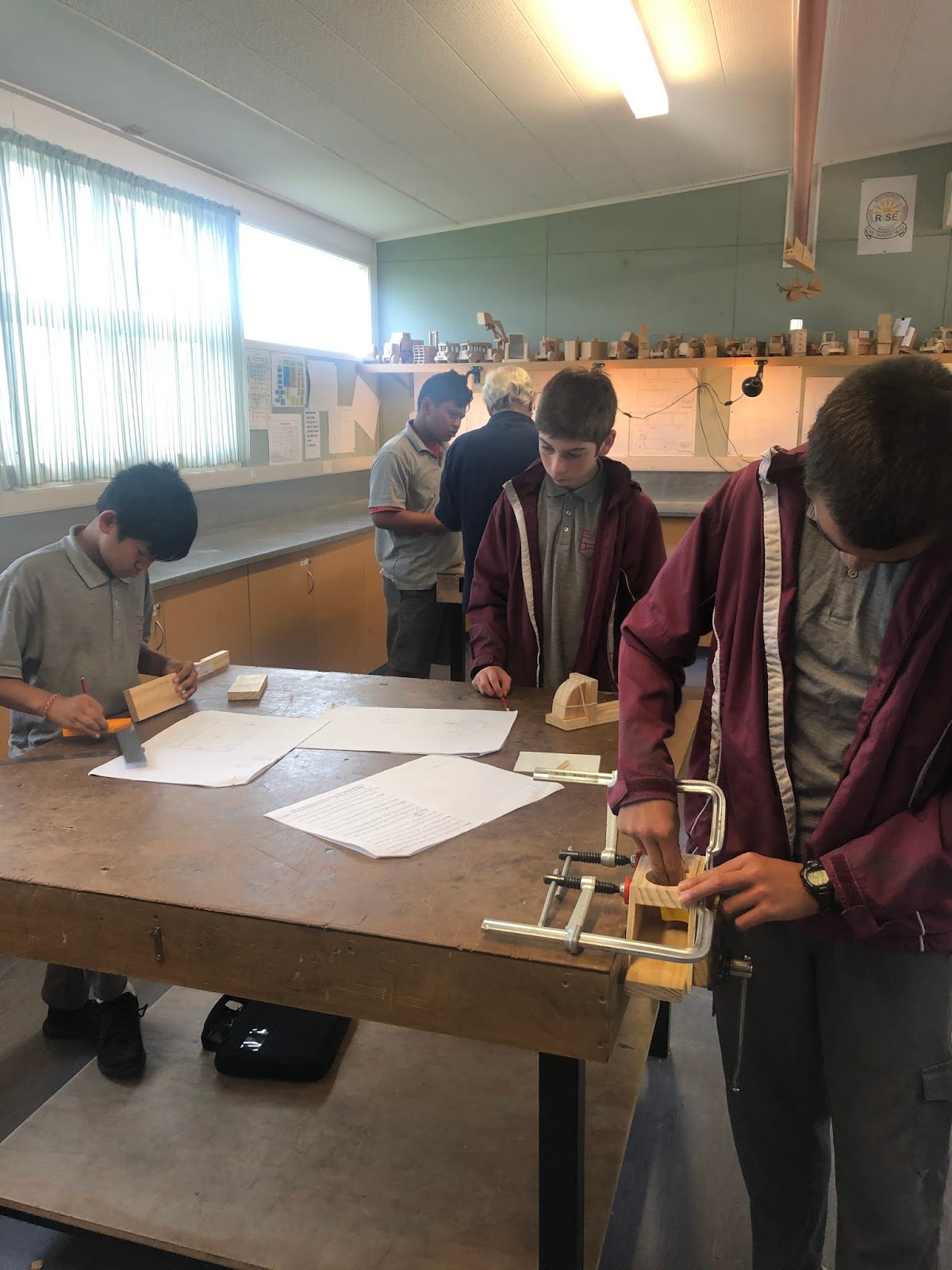
Tech 2019 - Wood Work


This week for tech I was finishing off my wood work. The project that I was making was a box. To make the box I followed my drawing. In my drawing I wrote down how big my box was going to be and where I am going to put my joint that I am making.    

Friday, 30 August 2019

Tech


This week was our last session for robotics tech, we were finishing off our movies. Our teacher was Miss Munoz. She was awarding out prizes for the best movie, like gift cards chocolate and lollipop. The people in my group were Alex, Neveah and I. We came first place so we got to pick what we wanted. Our movie was about what we can do with the robots, for an example: they can dance. Thank you Miss Munoz for teaching us how to code with the Mblock. 

Friday, 2 August 2019

Tech - Robotics


This week for tech we were planing our movies about a Mblock. We had options to choose from to make the movie. The options was Autonomous Vehicle (Avoid Obstacles & Follow a Path), Autonomous Forklift (Find & Move Objects and your own idea. 

Friday, 5 July 2019

Coding M block


Today was our last lesson for tech this week. Our last day for tech we were trying to make the m block to move in to a circle, a square and to stop on the x. We also tried to make it move if there an object in front of it and we also tried to make the M block to move on the black line. We added effects to the M block like light and music.   

Friday, 21 June 2019

Tech-Makeblock

Image result for makeblock


This week for tech we were playing with a Make-block to try to make it scene where it goes like to turn if there a item in front and we also try to make the Make-block to move with out touching anything. It was hard because we need to get the coding so it will move right.     

Friday, 14 June 2019

Tech - MakeBlock


Image result for makeblock


This week for tech we learnt how to move our Makeblock into a square and a circle. The fun thing in robotics is playing around with the Makeblocks and trying to make them follow our algorithms to move in a square or a circle. An algorithm is a set of steps or rules that you build into the code. This was challenging because we had to get the coding and the number right to move it into the right shape by ourselves.

Friday, 7 June 2019

Tech-Make Block


This week was a second lesson for robotics. Today for robotics we did some coding so that the marker bot can scan what to do when we finish coding. Also today we were coding to make a song and the song that we made was happy birthday to you. We went a site called m block to do our coding.      

Friday, 24 May 2019

Tech - Clock Design


This week was our last session for tech on our first rotation. We all finished our clock that we made. The clock I designed was a bird. I really liked my final design like the bird and the colour. I really enjoyed painting the design that I made. I would like to say a big thank you to Ms Ferguson for helping us learn different skills for drawing.

Friday, 3 May 2019

Tech: Design Clocks


Today was our first day of tech for this term. For tech we used a laser cutter to cut out our shape of our clocks. After we used the laser cutter to cut our clocks out we paint the front of our clocks. After that we use the hair dryer to dry our painting.   

Friday, 22 March 2019

Tech - Graphics


This week for tech we were doing some design at graphics at Tamaki college, we were trying to draw what design we are doing for our clock to know what our clock are going to look like. My clock is going to be about a birds that called wooden woodpecker. 

Friday, 30 November 2018

Colour Theory - Tech

Today for tech the year 7s has practiced coloring patterns. We made our own colour wheel and I learnt about the three prime colours. Red,Blue and Yellow. There is the link to my colour wheel Colour theory. I learnt that red,blue and yellow are primary colours because when they mix these colours come out as secondary colours. The secondary colours is Green, Purple and orange. Although you can make darker colours depending on how much of the other colour you mix with another prime colour. Next we drew out a logo and colour it in with Analogous and complementary colours. Analogous means same or close colours. Complementary is like the opposite of primary colours for example I use yellow, blue and orange in fire fox.

Friday, 26 October 2018

Tech


Today for tech we tried to finish off our phone stands and most of us finish the design that we did. The design that I needed to finish off was Goku form Dragon Ball Z. Then when we are done we put our design in a file so Ms Ferguson could 3D print it. We had a lot of fun in this tech session, and hope that we can improve our designs, and have them printed in the next session.

Friday, 19 October 2018

Tech


Today for tech we were planning our design on a piece of paper. The designs that I chose were on thingiverse. Then we went on tinker card to put our design on and edit it. 

Friday, 28 September 2018

Thinker Card


Today we use Tinker cad to make a person.

Friday, 24 August 2018

DigiTech


Today for tech we did digiTech we try to finish our animated stories form last week I didn't finish it because it was hard for me to do the coding and the animated stories. The animation relates to our neighborhood, and my one was about a person late for the school trip.           

Friday, 15 June 2018

DigiTech Porject - initial Planning

In DigiTech today, we started the inital planning for our DigiTech. This includel completing the following tasks.


Context Brainstorm
Conceptual Statement
Planning Time frames


The purpose of the context of the context brainstorm is to get images in our neighborhood to make a good animated stories in the community and the context brainstorm is all about getting images in our neighborhood and putting it on our context brainstorm.

The purpose of the context of the conceptual statement is planning a animated stories for, children and adult in our neighborhood.

The purpose of the context of the planning time frames is planning how long it will take to finish your work and how meaning session it will take.     

Friday, 8 June 2018

DigiTech


This week for Digital Tech we were learning to code. Firstly we made a copy of a google slide. This google slide is for adding our picture for the coding and it also has the instructions for coding. Then we were to create a scratch account, and when we were done doing that, we looked at some of the animated stories. Finally we've reached the creating part. For this part we were to turn a story into an animation, and the story that we turned was about a boy and a girl going to the park.

Friday, 1 June 2018

Tech: DigiTech Session 1

This week we began our first session for Digi Tech. We talk about our neighborhood , scratch and about the calendar. Our teacher for Digi Tech name is Ms Anderson when we were finished we did a kahoot about our learning that we talk about and then we did a game based a movies of Moana. The game tech us coding, and our goal was to make it to a certain position.

Friday, 18 May 2018

Pewter Casting


Today for tech we did pewter casting. The part that I am up to is the work book to finish the half work, it will ask some question and you answer it and another question like how did it turn out or why we were not allowed other metal. It was hard to answer the question because some of the questions I didn't know.   

Friday, 2 March 2018

Tech Pewter Casting

Today we went to tech to do pewter casting. This is our third session of pewter casting and this week for pewter casting we had to write our name on the board, and show our design to the teacher. We then were given a piece of wood, to trace our design on, and cut out. The design that I chose was a dollar sign, and it tuned out really good. It was almost in perfect shape, but people could still tell what it was. I then used a machine, that cut the wood and 50 slices per second. It was my first time using it, but was fun and easy to get used to. I showed my cut out to Mr Grundy, (Our Teacher) and he really liked what I had done, that he wanted to pour liquid pewter into it, to make my final product. Now all I have to do, is polish the design, and file any rough edges.

My Disign